Sorted by the job each tool does — not by who pays most to be at the top. Every card has both pros and cons, because a tool without cons is an ad, not a recommendation.
We earn nothing from recommending any of them, and there are no affiliate links on the page. Prices are indicative and change — always check with the provider. The illustrations are our own drawings of what you meet in the tool, not screenshots.
Distribution
Gets the content out — posts, emails and messages to the channels people are actually on.
MetricoolFree Solo marketers and small agencies who want to plan and report in the same tool.
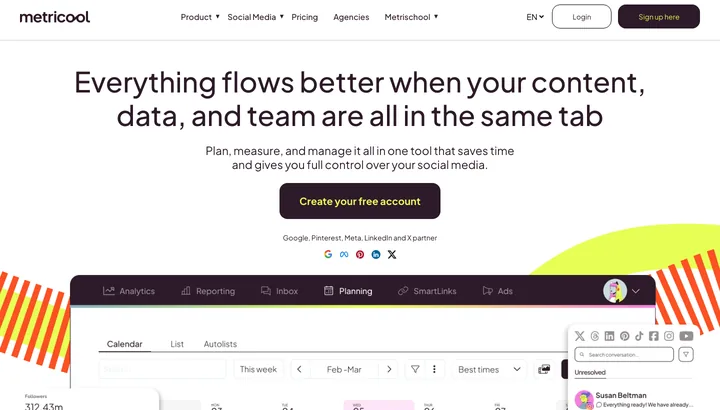
A calendar of scheduled posts, colour-coded by channel; the numbers are in the tab next to it.
Pros
- Planning and analytics in one place — no extra reporting tool.
- The free plan is genuinely usable for one profile.
- Also covers Google Business Profile, TikTok and Pinterest.
Cons
- The free plan can't post to LinkedIn or X.
- X/Twitter costs extra on top of the subscription.
- The price follows the number of brands, not channels — lopsided if you only have one brand.
BufferFree Individuals and small brands who just want posts out on time.
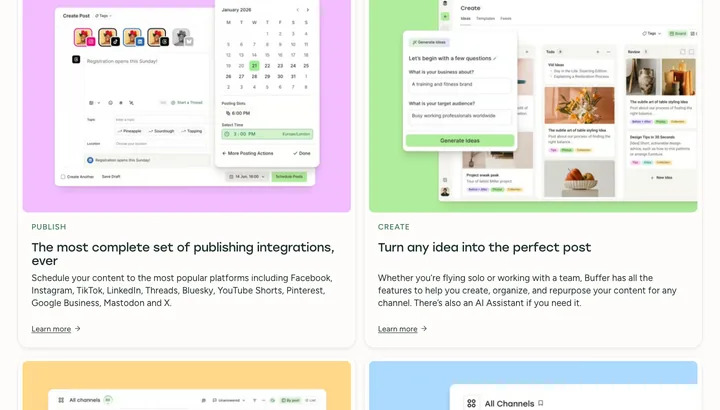
A queue per channel where posts line up in order and go out at times you've set in advance.
Pros
- The quickest of them all to get started with.
- The queue keeps a steady rhythm without you picking a time every time.
- Cheap if you only have two or three channels.
Cons
- The price multiplies per channel — six profiles cost six times as much.
- The analytics are thin compared with Metricool.
- The free plan stops at 3 channels and 10 queued posts per channel.
Later Visual brands on Instagram and TikTok where the feed needs to hang together.
A visual calendar with images dragged in, plus a preview of how the Instagram feed is going to look.
Pros
- Feed preview shows the grid before you post.
- Strongest for Instagram and TikTok, including Link in Bio.
- A drag-and-drop media library makes image-heavy plans quick.
Cons
- No free plan — only a 14-day trial.
- The starter plan caps you at 30 posts per profile per month.
- Weak for LinkedIn and B2B content.
PublerFree People who post a lot on many channels and don't want to pay agency prices.
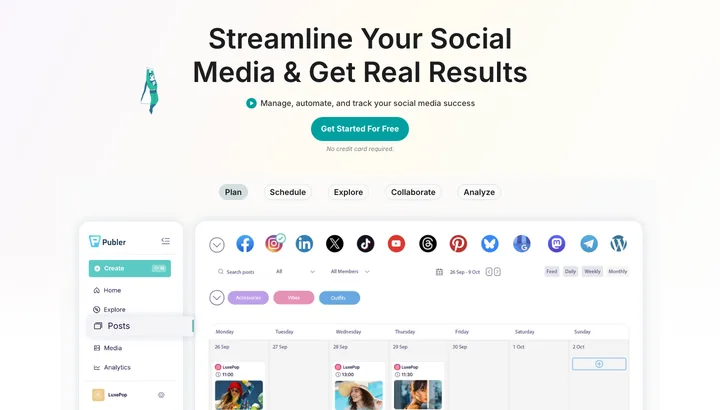
A calendar with colour-coded posts per channel and a button to upload the whole plan from a spreadsheet.
Pros
- Bulk upload from CSV — several hundred posts in one go.
- The most channels of the lot, including Google Business, Bluesky and Threads.
- Posts can be recycled automatically without you touching them again.
Cons
- The price is built up account by account — hard to work out in advance.
- X/Twitter isn't included on the free plan.
- Analytics requires the Business plan, not Professional.
Hootsuite Larger teams with approval flows, roles and documentation requirements.
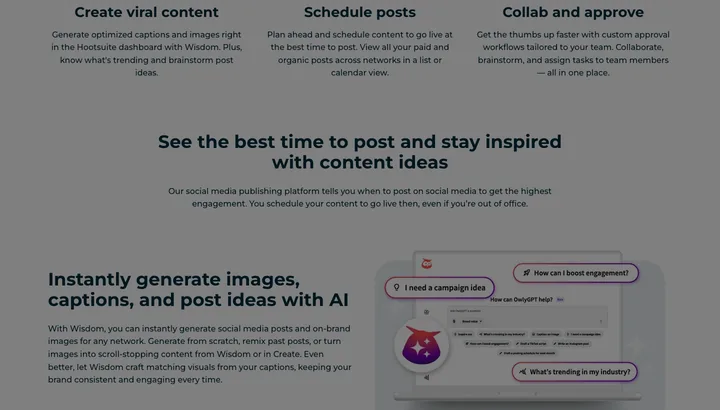
A board of columns — one stream per channel with mentions and replies, next to the planner.
Pros
- Streams gather mentions and replies from every channel in columns.
- Roles, approvals and logging are built for several employees.
- The most integrations with CRM and other systems.
Cons
- By far the most expensive — $99 per user per month is the starting price.
- The price is per user, so a team of four costs four times as much.
- Far too heavy if you just need to get a few posts out.
Meta Business SuiteFree Businesses that only run Facebook and Instagram.
A home page with notifications, inbox and numbers on recent posts; the planner sits in a tab next to it.
Pros
- Free and straight from the source — no middleman that can lose the connection.
- Messages and comments from Facebook and Instagram in one inbox.
- New formats work right away, without waiting for a third party.
Cons
- Only Facebook and Instagram — everything else has to be posted somewhere else.
- No combined report across channels.
- Meta keeps moving the menus around, so what you found last month has moved.
LinkedIn PageFree B2B companies that only need to get posts out on the company page.
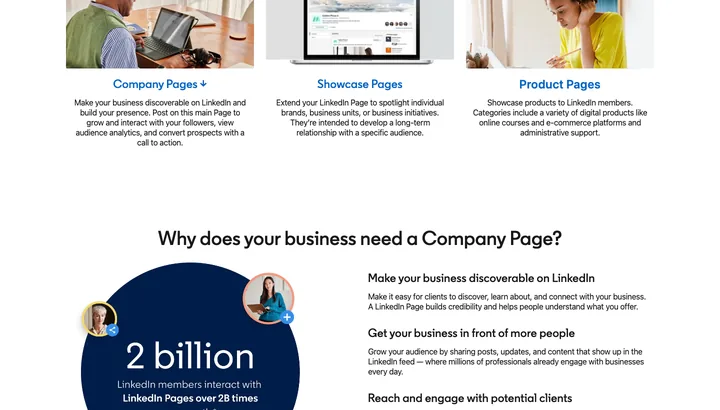
The ordinary post box on the company page with a clock icon where you pick the date and time.
Pros
- Free and built in — no extra login or connection that expires.
- Every format works, including documents and polls that many tools don't support.
- The page's own analytics show the job function and industry of the people who see your posts.
Cons
- Only LinkedIn — no shared calendar with the other channels.
- A bare-bones scheduler: no queue, no recycling, no approval.
- A scheduled post can't be edited — it has to be deleted and made again.
Email & automation
The backbone of every funnel. This is where leads become customers, and it costs almost nothing to run.
ResendFree Developers who send emails straight from their own system.
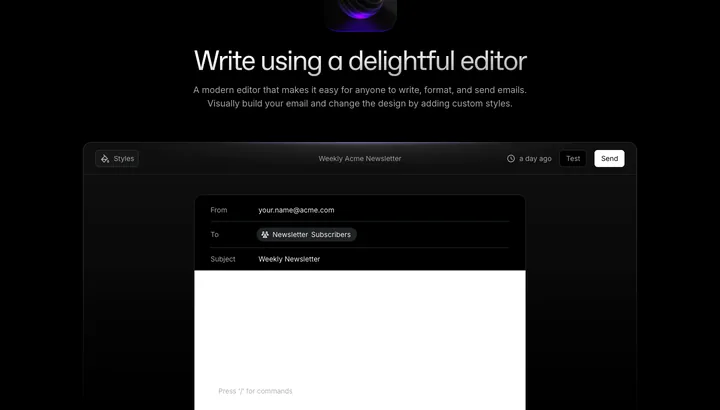
You land in a log of every single email sent, with status: delivered, opened or bounced.
Pros
- A clean API — emails are sent from your own code.
- Domain and DNS are set up in a few minutes.
- The log shows exactly what happened to each email.
Cons
- Requires code — there's no ready-made marketing interface.
- Flows and segmentation are thin.
- A young platform with fewer integrations than the old providers.
MailerLiteFree Small businesses that want to send good-looking newsletters without the hassle.
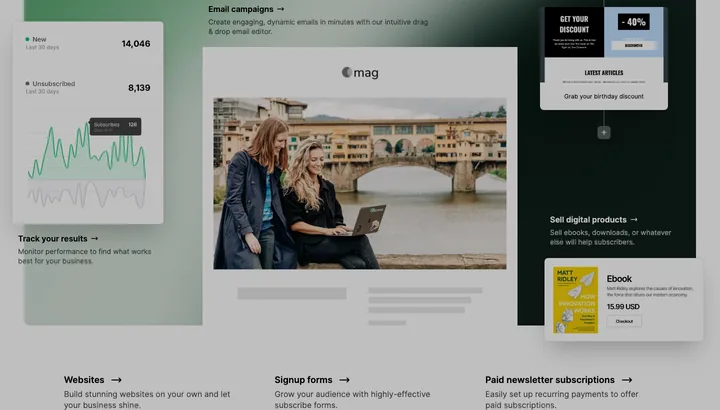
A drag-and-drop editor where you build the newsletter block by block.
Pros
- Easy to pick up — your first newsletter can go out the same day.
- Flows and landing pages are included in the price.
- Cheap compared with the big providers.
Cons
- New accounts are reviewed manually, and some get turned down.
- The reports are shallow if you want to dig into numbers.
- The price rises with the number of subscribers — inactive ones too.
MailchimpFree People who want everything in one package and to connect lots of systems.
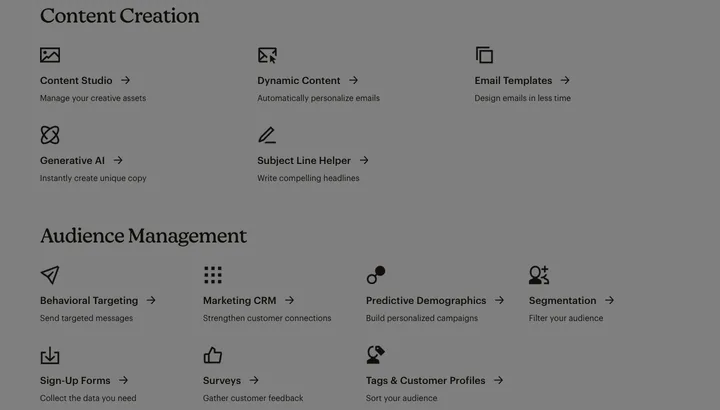
A dashboard with campaigns, audiences and reports, each on its own tab.
Pros
- Supported by almost every webshop and CRM system.
- Templates, flows and reports are ready from day one.
- Roles and approvals make it usable for a team.
Cons
- Gets expensive fast — you pay per contact, including the ones who never open.
- The free plan is heavily cut down: 500 emails a month.
- The interface is heavy — lots of clicks for simple tasks.
KlaviyoFree Webshops that want to drive their emails from purchase data.
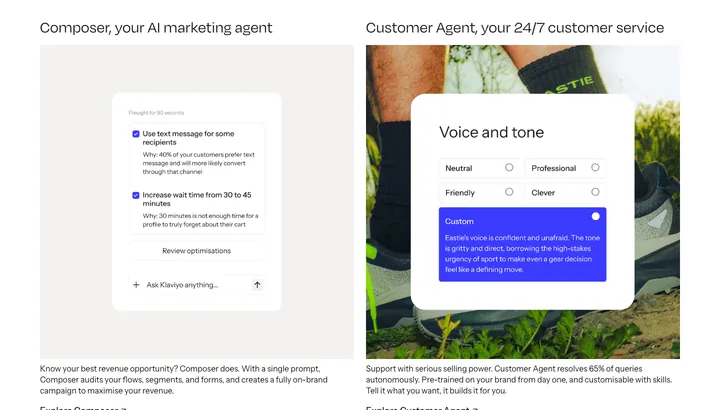
A dashboard showing revenue per flow and campaign, not just open rate.
Pros
- Connects directly to Shopify and WooCommerce with all the order data.
- Segments can be built on exact behavior and purchases.
- Shows how much money each flow has made.
Cons
- The price runs away from you as the number of profiles grows.
- Far too heavy if you just send a newsletter.
- Flows and data are a pain to move away again.
BrevoFree People who want email, SMS and customer data together in one place at a low price.
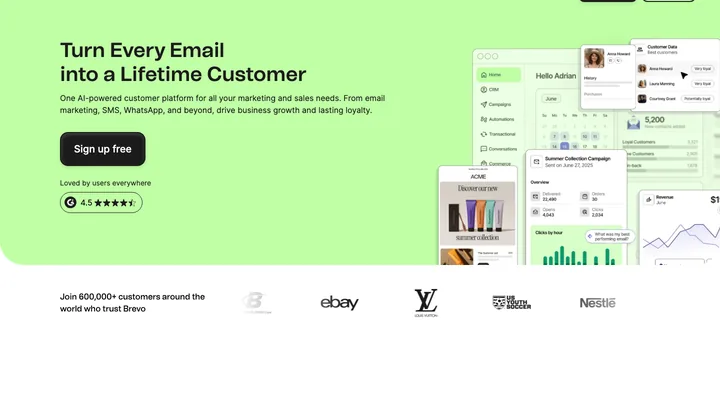
A dashboard where email, SMS, chat and CRM sit in the same left-hand menu.
Pros
- You pay for the number of emails, not the number of contacts.
- Newsletters and transactional emails run from the same account.
- The free plan stretches to 300 emails a day.
Cons
- The free plan puts Brevo's own logo at the bottom of the email.
- The editor and templates feel old-fashioned.
- Deliverability varies, because you share a sending IP with others.
Make / n8nFree People who want to tie webshop, email and spreadsheets together without a developer.

A canvas of boxes and lines — each box is a step, the lines show the order.
Pros
- Connects systems that otherwise don't talk to each other.
- n8n can be hosted on your own server and then costs nothing.
- You watch every step run and find the error right away.
Cons
- The first flow takes an afternoon to understand.
- Make charges per operation — flows that run often get expensive.
- Self-hosted n8n means you handle running and updating it yourself.
Data collection & leads
This is where the lists get built. Remember: building lists is legal — it's the channel you contact people on that's regulated.
ClayFree Pulling lists together from many sources and enriching them with data and AI in one spreadsheet.
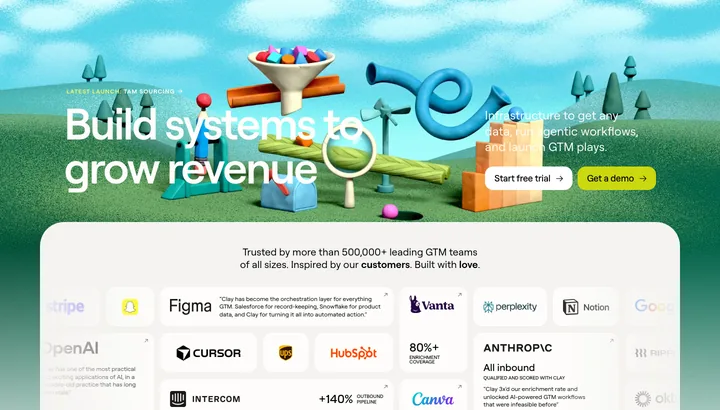
You open a spreadsheet where each row is a company or person and each column fetches data automatically.
Pros
- Looks up several data sources one after another, so you find more emails and numbers
- The AI agent can read websites and answer your own questions row by row
- The free plan is enough to run a real list through and see the quality
Cons
- The price climbs fast when lots of rows go through several sources
- You have to build the setup yourself — there's a learning curve
- Emails you find must be used legally: §10 of the Danish Marketing Practices Act requires consent for unsolicited marketing email, B2B included
Bright DataFree Fetching data from sites that block ordinary scrapers.
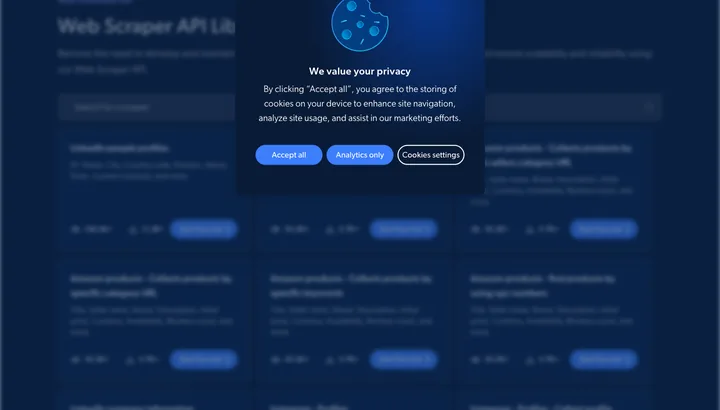
You land in a control panel with zones, usage and costs — not in a ready-made list of leads.
Pros
- Gets through blocking and CAPTCHAs where your own scripts give up
- Ready-made APIs for the big platforms, so you don't have to build everything yourself
- You only pay for the records that are actually delivered
Cons
- It's infrastructure, not a lead tool — you get raw data, not a finished list
- Needs a developer, or at least technical experience, to get started
- Personal data pulled from the web is still covered by GDPR, however easy it is to get
Apollo.ioFree Finding B2B contacts with title and email in one big database.
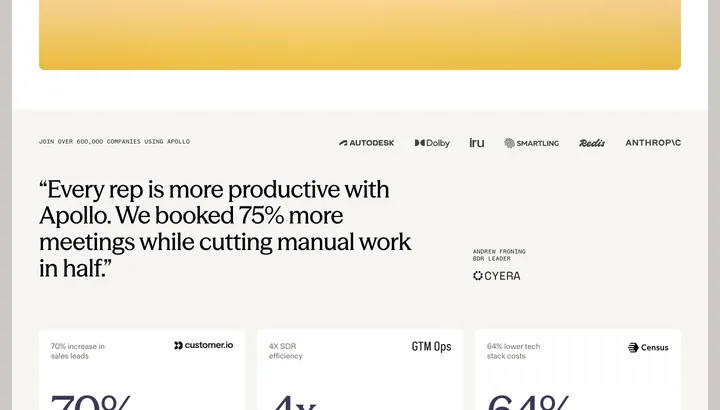
You get a search screen with filters down the side and a table of names, titles, companies and emails.
Pros
- A big database you can filter by title, industry and headcount
- Email, calls and follow-up live in the same tool
- The free plan lets you test the data quality before you pay
Cons
- Danish data is thinner and more out of date than US and UK data
- The built-in email sequence tempts you to send without consent — §10 of the Danish Marketing Practices Act requires consent for unsolicited marketing email, to businesses too
- Credits disappear fast when you export bigger lists
The CVR register (Virk)Free Building a Danish company list by industry code, geography and headcount from the official source.
You start in a search field and get a list of companies you can click into or pull out as an extract.
Pros
- Official, up-to-date data straight from the Danish Business Authority
- Costs nothing, however many companies you extract
- You can save an extract as a subscription and get new companies as they appear
Cons
- You get the names of the management, but not their emails or mobile numbers
- The interface is heavy and technical compared with the commercial tools
- Information about sole proprietorships is personal data and must be handled under GDPR
Proff & NN MarkedsdataFree Segmenting Danish companies by financial figures and pulling ready-made prospect lists.
You open a company profile with key figures, accounts and roles in tables, and can filter your way to a list.
Pros
- Built on Danish data, so industry, headcount and financials fit
- You can filter by revenue and profit and find the ones who can afford you
- Proff Plus costs under $9.00 a month and lets you export searches
Cons
- NN Markedsdata doesn't publish its prices — you have to go through a salesperson
- Prospect lists must be used by the rules: §10 of the Danish Marketing Practices Act requires consent for unsolicited marketing email, B2B included
- The contact is often the company's general inbox, not the actual decision-maker
LinkedIn Sales Navigator Finding and following the right people in Danish companies on LinkedIn.
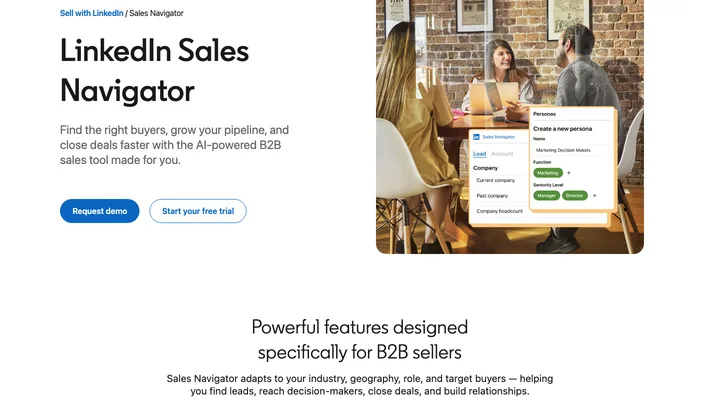
You get a search with lots of filters and a list of profiles you can save as leads.
Pros
- The data comes from the profiles themselves, so it's fresher than bought lists
- Filters on job title, seniority and company size hit precisely in Denmark
- 50 InMails a month, so you can write without having an email address
Cons
- Expensive per user, and the price covers one person — not the team
- No emails or phone numbers; you only get the profiles
- Exporting lists with third-party tools breaks LinkedIn's terms and can cost you your account
PhantomBusterFree Automating repeated extracts and actions on LinkedIn and other platforms without code.
You see an overview of your automations with status, last run and time used.
Pros
- Ready-made automations you just set up — no code
- Can run on a schedule, so the lists update themselves
- A free tier and a 14-day trial make it cheap to test
Cons
- Automated data extraction from LinkedIn breaks the platform's terms and can get your account restricted or shut down
- Run time is the real limit — big lists eat the hours
- The setup breaks when the platforms change their pages
SEO & links
For finding the words, measuring domain strength and keeping an eye on whether links actually work.
AhrefsFree Seeing who links to your competitors and which links are worth chasing.
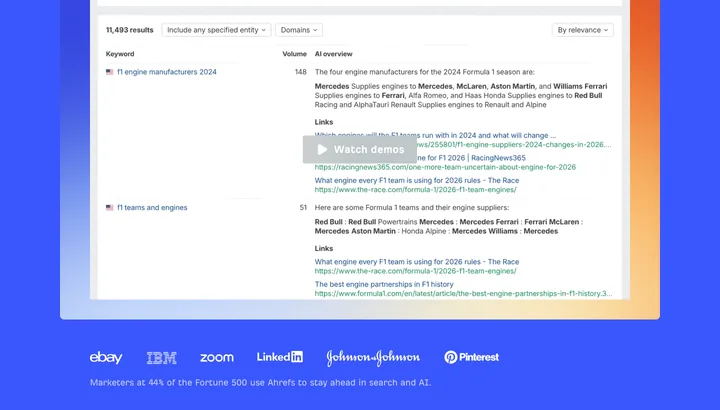
You type in a domain and get an overview page with Domain Rating, backlinks, a traffic estimate and charts you can click further into.
Pros
- The backlink index is among the biggest and is updated often.
- Few dead links in the data — what you see still exists.
- Site Audit finds technical errors without you buying yet another tool.
Cons
- $129/mo for Lite is a lot of money for a small Danish business.
- The free version only shows your own domain — not competitors.
- Danish search volumes are thinner than the English ones.
Google Search ConsoleFree Seeing which searches actually send people to your site — with Google's own numbers.
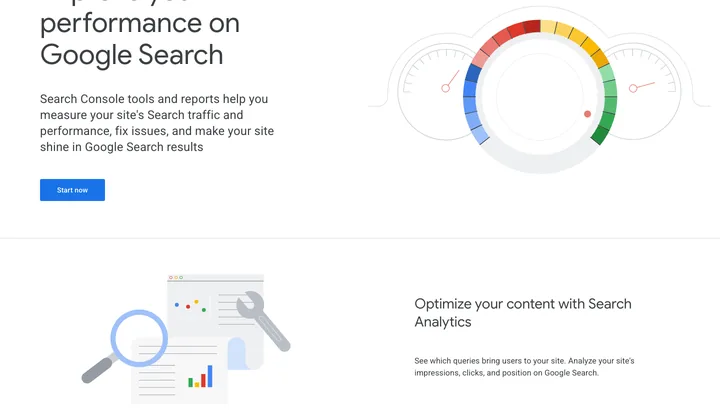
You open Performance and see a curve of clicks and impressions, with a table of queries, pages and countries underneath.
Pros
- Google's own numbers, not estimates.
- Shows indexing errors and which pages Google has filtered out.
- Free, with no cap on the number of lookups.
Cons
- Only your own site — you can't look at competitors.
- Data is a few days behind and only kept for 16 months.
- The backlink report is a raw list with no quality rating.
DataForSEO Pulling SERP and backlink data straight into your own system.
There are no reports to open — you log in to a usage dashboard with balance and number of API calls, and the data itself comes back as JSON.
Pros
- You only pay for the lookups you actually make.
- Raw data you can store, combine and reuse yourself.
- Cheaper than subscriptions once the volumes get big.
Cons
- It's an API, not an interface — you have to code before you get anything out of it.
- No analysis or recommendations, just numbers.
- The $50 has to be paid in before you can try it out.
SemrushFree Keeping keywords, competitor analysis and ad data in one place.
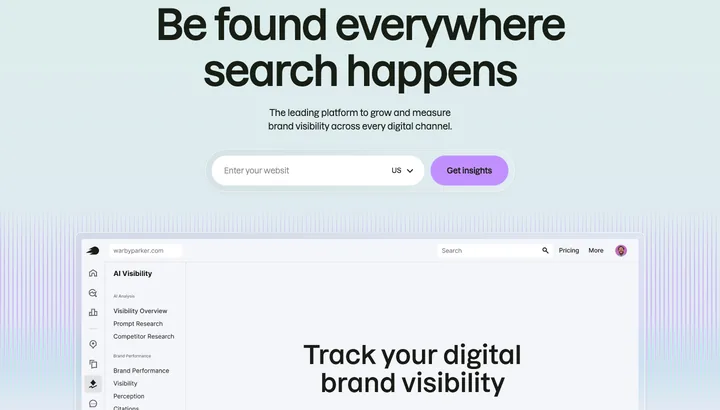
You search for a domain and get an overview of panels with traffic, keywords, closest competitors and their ads.
Pros
- Covers SEO, Google Ads and social in the same subscription.
- A strong database of competitors' paid keywords.
- Ready-made reports you can send straight on to a client.
Cons
- $139/mo is hard to justify for a one-person business.
- The free account shuts you out after 10 lookups a day.
- The interface is cluttered, and quite a bit sits behind extra add-ons.
Screaming FrogFree Crawling your own site and finding dead links, duplicates and missing titles.
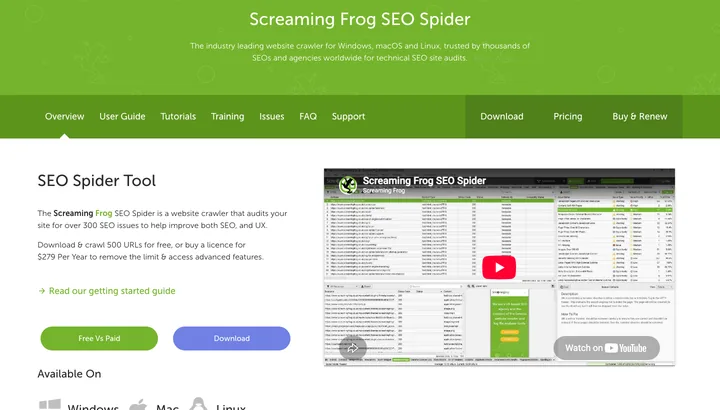
The program runs on your own computer and fills a spreadsheet-like grid with every single URL, status code, title and redirect.
Pros
- Catches technical errors more precisely than the cloud tools.
- One price a year instead of an ongoing subscription.
- Can pull in data from Search Console and Analytics as it goes.
Cons
- A heavy, technical interface — not something you show a client.
- Big sites eat memory on your own machine.
- The free version stops at 500 URLs.
Google TrendsFree Seeing whether interest in a topic is rising or falling, and when in the year it peaks.
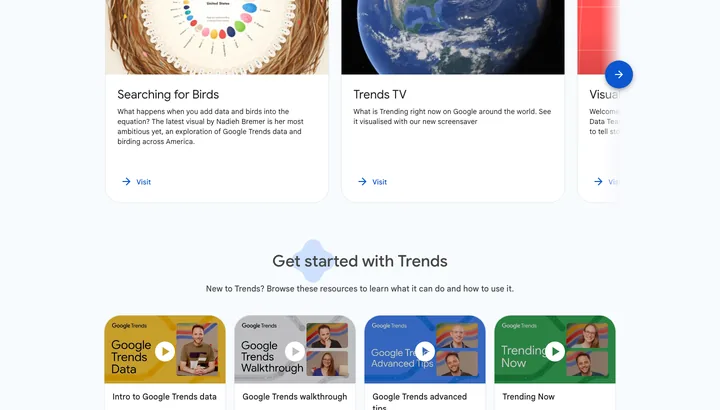
You type in a search term and get a curve of search interest on a scale from 0 to 100, plus a map of Denmark and related searches.
Pros
- Shows seasonal swings that an ordinary keyword tool hides.
- Can compare several terms directly against each other.
- Data all the way back to 2004.
Cons
- Gives relative figures, not the number of searches.
- Small Danish search terms often give an empty graph.
- Can't stand alone when you need to prioritize keywords.
Advertising
The only channel where money can be turned straight into reach. Which is also why it punishes sloppiness hardest.
Google Ads When people are already searching for what you sell.
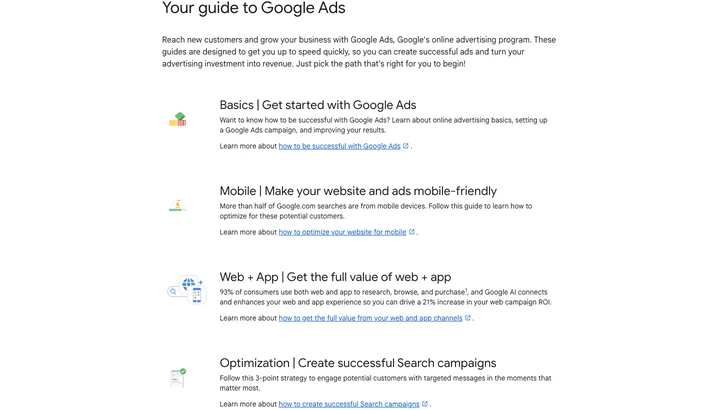
You land on an overview with curves for clicks and spend and a table of campaigns underneath.
Pros
- Reaches people the second they have buying intent
- The budget can be turned up and down from one day to the next
- Conversion tracking shows in black and white what a sale costs
Cons
- Without negative keywords you burn money on irrelevant searches
- Cost per click rises when competitors bid on the same words
- Performance Max is a black box — you can't see where the money goes
Meta Ads (Facebook and Instagram) Cheap reach for webshops with products that can be shown in a picture.
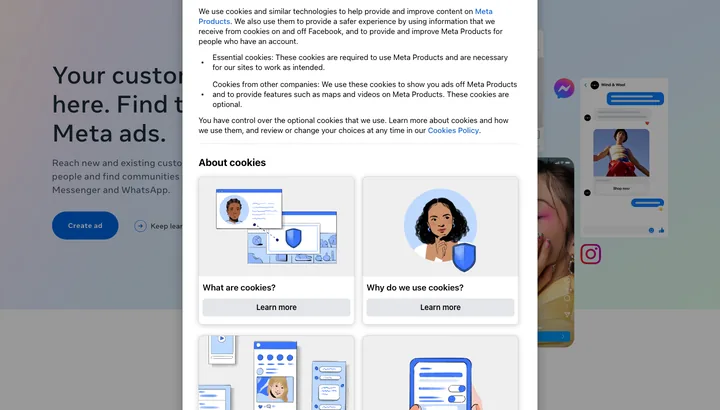
Three tabs — campaigns, ad sets and ads — shown as one big table where you choose the columns yourself.
Pros
- Far cheaper impressions than search ads
- Sells to people who aren't searching for you yet
- Catalog ads can run the whole webshop automatically
Cons
- The learning phase needs around 50 conversions a week per ad set before delivery becomes stable
- Every edit resets the learning and costs budget all over again
- Ads get tired — expect to need new material every two to four weeks
LinkedIn Ads B2B, where you need to reach a specific job title, industry or company size.
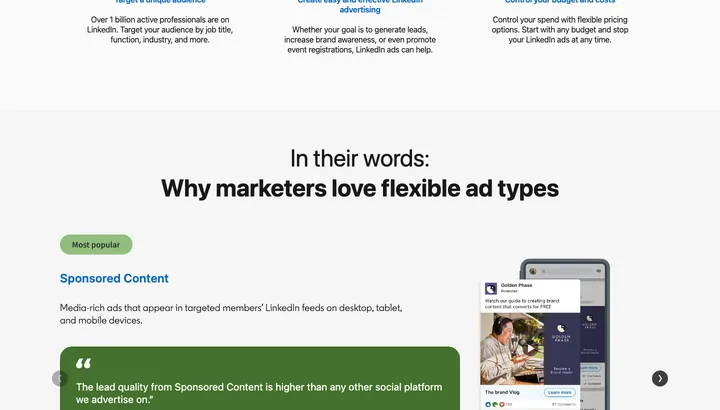
A list of campaign groups and campaigns with spend, clicks and cost per result in the columns.
Pros
- Targeting by job title, company, industry and headcount
- No other channel reaches decision-makers as precisely
- Lead forms are pre-filled with profile data, which lifts the conversion rate
Cons
- Cost per click is often 5-10 times higher than on Meta
- The minimum budget makes small tests expensive before you know anything
- Wasted money if you sell to consumers rather than businesses
Microsoft Ads (Bing) Extra search traffic at a lower cost per click when Google Ads is already running.
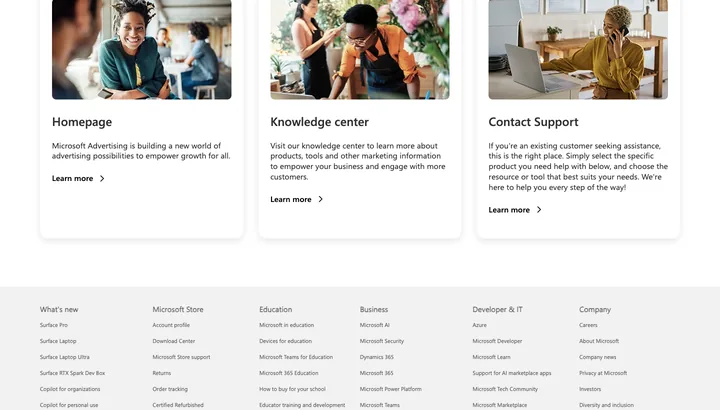
An overview with spend and recommendations and a campaign table that looks almost exactly like Google Ads.
Pros
- Cost per click is usually lower than on Google
- You can import your Google Ads campaigns and be up and running in an hour
- Reaches Windows and Edge users that competitors forget
Cons
- Search volume in Denmark is a fraction of Google's
- Little traffic means slow learning and thin numbers to act on
- The import also copies the mistakes from your Google account
TikTok Ads Short video for younger audiences and impulse buys.
A dashboard with spend and video results at the top and the campaign table underneath.
Pros
- Cheap impressions and fast reach when the video catches on
- Footage shot on a phone works better than polished advertising
- Strong for building awareness among 18-35-year-olds
Cons
- Your product photos can't be reused — you need to produce video
- Ads die fast, so you need to deliver new videos every week
- Older audiences and B2B are thinly represented
Google Merchant CenterFree The foundation under Shopping and Performance Max ads for webshops.
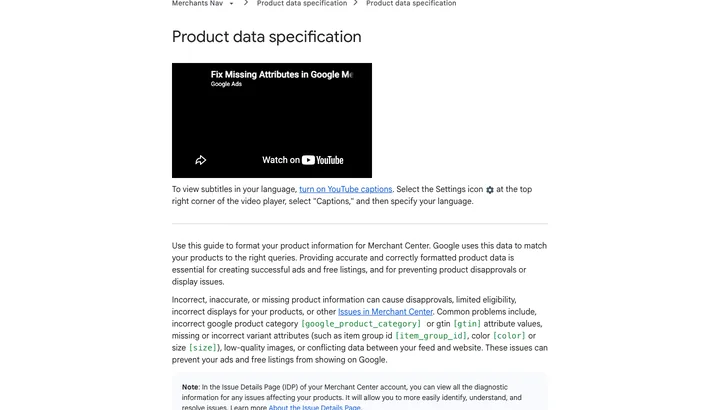
A product list where each item is marked approved, warning or disapproved, with a reason.
Pros
- Free to use, and products can be shown for free under the Shopping tab
- One correct feed drives both Shopping and Performance Max ads
- The diagnostics page points straight to the products that have been disapproved
Cons
- The feed needs looking after — price, stock and GTIN must match the webshop, or the products get dropped
- A single account warning can stop all your Shopping ads at once
- Shipping, returns and terms of sale must be in place on the site before you get approved
Analytics & tracking
Without this, everything else is guesswork. And in the EU it has to be consent-based to be legal at all.
Google Analytics 4Free The standard way to measure traffic, channels and purchases in the webshop — free and familiar to everyone.
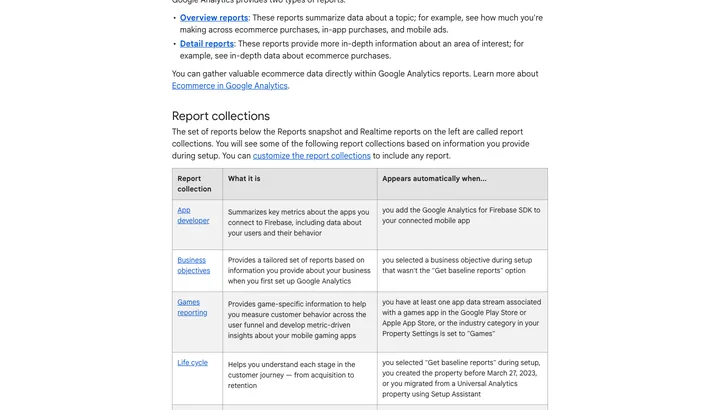
You land on a report overview with charts of users, channels and conversions, and often have to dig through the menu to find the number you came for.
Pros
- Free and the industry standard, so every agency knows it
- Connects directly with Google Ads and Search Console
- Raw data can be sent on to BigQuery for free
Cons
- The reporting interface is heavy and unintuitive — most people spend too long on simple numbers
- The free version only keeps data for up to 14 months
- The numbers rarely match Meta or the webshop's own orders
Google Tag ManagerFree Managing all tracking codes in one place without digging into the webshop's code every time.
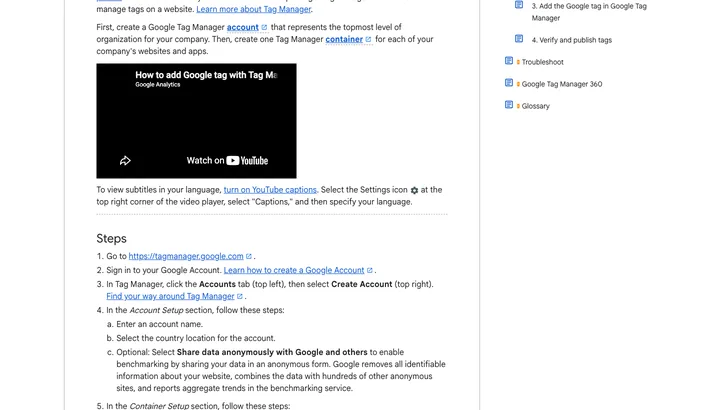
A list of tags, triggers and variables in your container, where changes only go live when you press publish.
Pros
- Free and works across webshop platforms
- Preview mode lets you test before anything goes live
- Version control makes it easy to roll back a mistake
Cons
- Requires you to understand tags, triggers and the data layer
- Easy to measure twice if the same code also sits in the theme
- An error in the container hits the whole site immediately
Consent Mode v2Free Making Google tags respect consent and still estimate the conversions that would otherwise disappear.
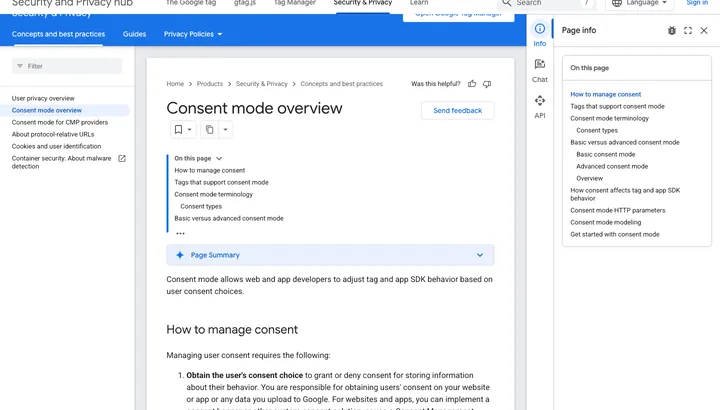
No interface of its own — you see it as consent settings in Tag Manager and as modelled numbers in GA4 and Google Ads.
Pros
- A precondition for measuring Google Ads conversions legally in the EU
- Google models the conversions lost when people say no
- Most cookie banners control the four signals out of the box
Cons
- It's not a product you can buy — it only works together with a cookie banner that sends the signals correctly
- Modelled numbers are estimates, not measured sales
- Setup errors are usually only discovered when the numbers suddenly drop
Meta Pixel + Conversions API (CAPI)Free Measuring purchases from Facebook and Instagram ads and giving the algorithm data to optimize on.
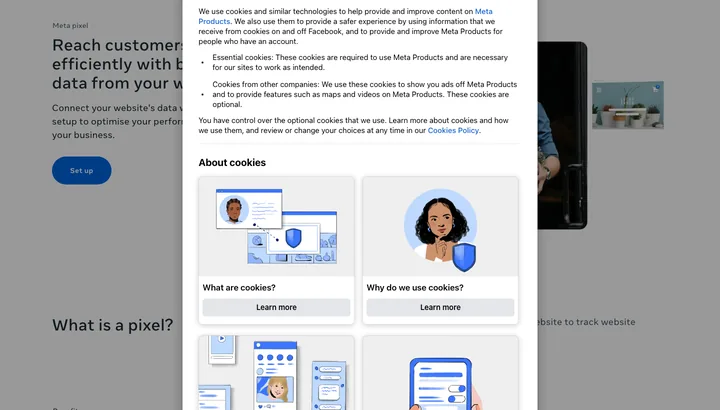
Events Manager shows a table of your events with count, source (browser or server) and match quality warnings.
Pros
- Free, and without it Meta ads can't optimize for purchases
- CAPI sends events from your server, so ad blockers and iOS don't eat them
- The match quality score shows exactly which information is missing
Cons
- CAPI requires technical setup or a ready-made integration from your platform
- Without a correct event_id, the pixel and the server count the same purchase twice
- Data sent to Meta requires valid consent, and that has to be controlled in the cookie banner
Looker Studio (now Data Studio)Free Bringing GA4, Google Ads and Search Console together in one report you can share with a link.
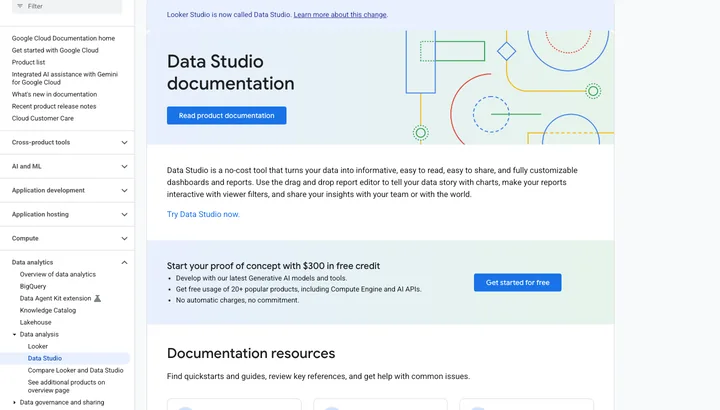
An empty canvas where you drag in charts and tables and connect them to a data source.
Pros
- Free, and reports are shared with a single link
- Ready-made templates for GA4 and Google Ads save setup time
- Replaces the manual monthly report in Excel
Cons
- Gets slow when a report pulls from many data sources
- You have to know yourself which numbers are worth showing
- Sources outside Google often need a paid connector
Microsoft ClarityFree Watching recordings and heatmaps of real visitors without paying a cent.
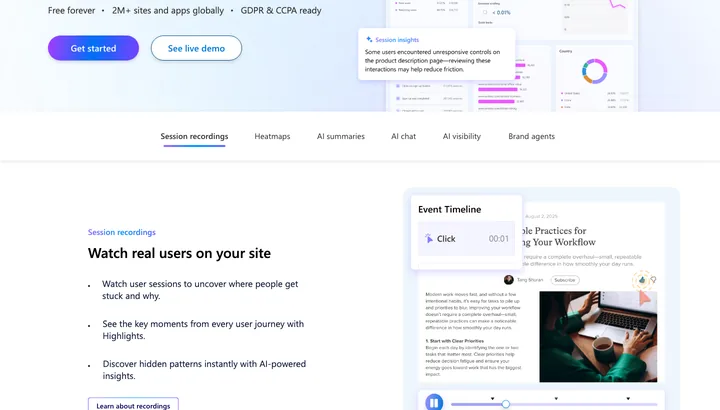
A dashboard with behavior signals like rage clicks and dead clicks, from which you click through to recordings and heatmaps.
Pros
- Free, even with high traffic — there's no cap
- Rage clicks and dead clicks point straight to errors in the checkout flow
- Set up in a few minutes through Tag Manager
Cons
- Free because Microsoft itself gets access to your behavior data
- Recordings are only kept for 30 days (heatmaps 9 months)
- Requires consent just like every other tracking tool
HotjarFree Recordings, heatmaps and surveys together, for when you want to ask customers directly on the page.
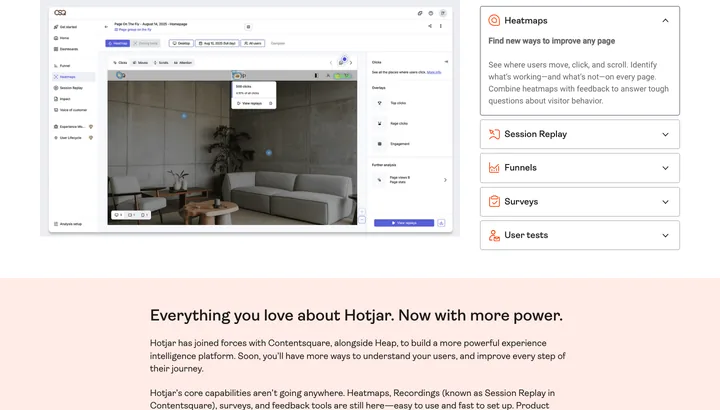
A list of session recordings you can play back, plus heatmaps and answers from your surveys.
Pros
- Recordings, heatmaps and surveys in one tool
- On-page surveys give answers the numbers never can
- The free plan is enough to get started
Cons
- The price climbs fast as traffic grows
- Clarity gives you more or less the same for free, with no traffic cap
- Hotjar has been folded into Contentsquare, and the plans have been changed
Plausible / Matomo Simple visitor statistics with data in the EU and no cookie banner hassle.
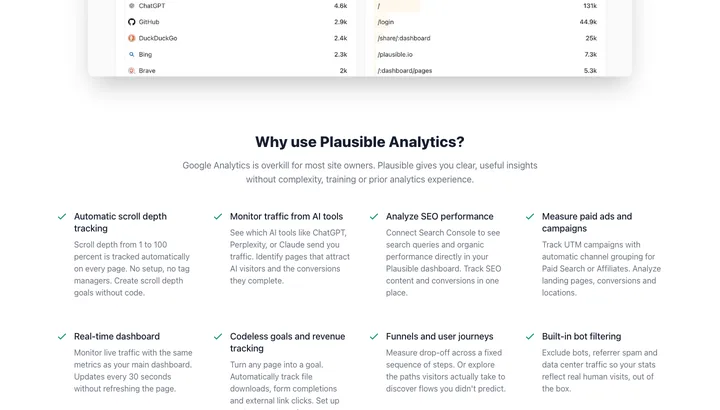
One dashboard with visitors, sources and top pages — all on one screen, with no menus to dig through.
Pros
- Plausible is cookie-free, so you don't need consent for the statistics
- Data stays in the EU — Plausible hosts in Germany
- The numbers make sense to people who aren't analysts
Cons
- Less detail than GA4 — no deep funnel or audience analysis
- Doesn't connect with Google Ads and Meta in the same way
- Costs money in the cloud, unless you run the server yourself
CRM & sales
Where the lead needs to land — or it dies in an inbox.
HubSpotFree For those who want contacts, deals and emails in one place without paying from day one.
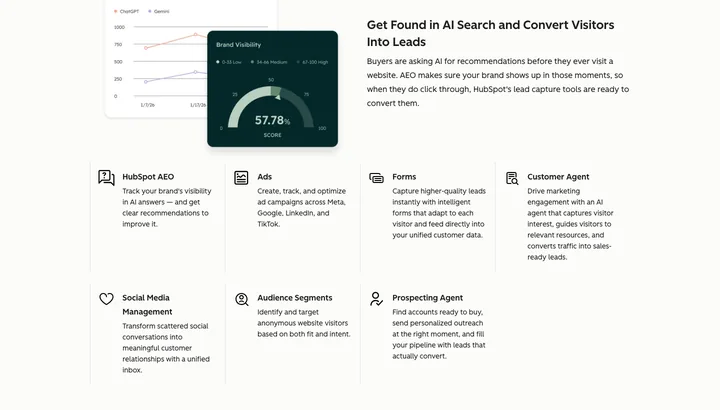
You land on an overview of your open deals, today's tasks and the latest activity on each contact.
Pros
- The free CRM is genuinely usable, not a demo.
- Everything about a customer is on one card: emails, calls and notes.
- Connects with forms, newsletters and website.
Cons
- The marketing module costs 800 USD/mo plus 3,000 USD in onboarding.
- The price jumps in steps as the contact list grows.
- You only find out what was behind the paywall when you upgrade.
Pipedrive For the salesperson who wants to move deals through a pipeline and see what needs following up.
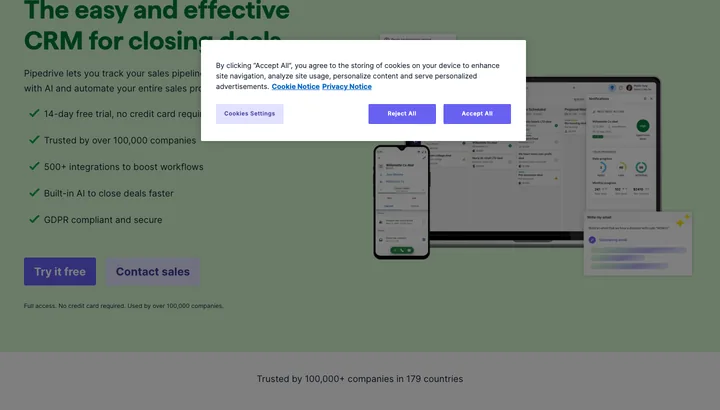
You open a board with one column per sales stage, where each deal is a card you drag to the right.
Pros
- You understand the pipeline in five minutes without training.
- Forces you to set a next step on every deal.
- Fewer buttons than HubSpot, so it actually gets used.
Cons
- No free plan — you pay from the first user.
- Email flows and automation require Growth or higher.
- Too thin if support and invoicing need to live in the same place.
Supabase / your own databaseFree For those who would rather own their customer data in a real database than rent it in a CRM.
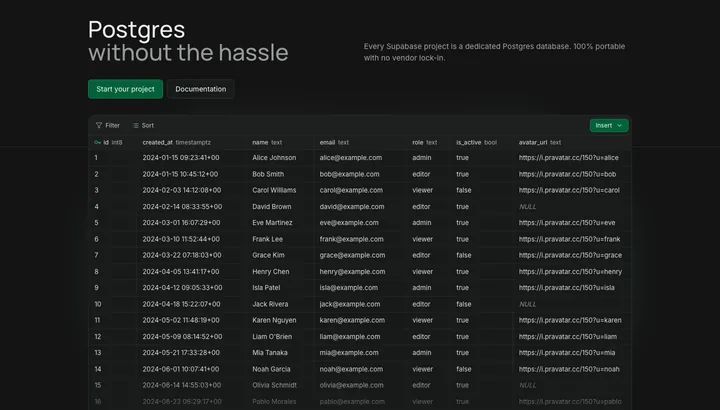
You open a spreadsheet-like table view of your own rows with a SQL editor next to it.
Pros
- The data is yours, in plain PostgreSQL you can take with you.
- No price per user or per contact.
- The free plan goes a long way for a small setup.
Cons
- There's no sales overview — you build that yourself.
- Requires someone who knows SQL and dares to touch a database.
- Free projects are paused after a week without activity.
Calendly / Cal.comFree Skipping the email back-and-forth about when you can meet.
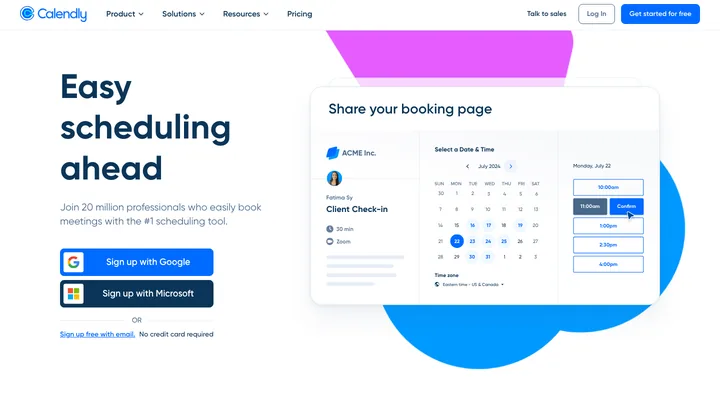
The customer sees a calendar with your free slots and picks one; on your side, the meeting lands straight in your calendar.
Pros
- Removes three emails back and forth per meeting.
- Cal.com is open source and can be hosted on your own server.
- The free plan covers a one-person business.
Cons
- Calendly's free plan only gives you one meeting type and one calendar.
- A booking link can come across as dismissive to bigger clients.
- Yet another per-user subscription as the team grows.
Creative & content
The ad that stops nobody costs the same as the one that does.
CanvaFree Quickly making an ad, a post or a PDF look decent without a designer.
You open a canvas with templates on the left and drag text and images to where they should go.
Pros
- You're up and running in two minutes without knowing design.
- The templates already hit the right formats for Meta and print.
- Logo and brand colours can be locked, so everything looks consistent.
Cons
- The templates are so widespread that your ads look like everyone else's.
- The good images and fonts require a paid plan.
- Hits a ceiling when you want precise control of the layout.
FigmaFree Real design work on a website or app, together with others.
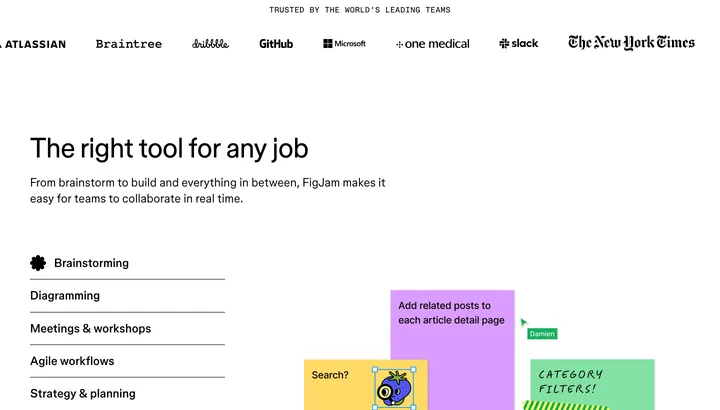
You open an infinite canvas with one frame per screen, and other people's cursors move around live.
Pros
- Several people can work in the same file at the same time.
- Precise control over every pixel and every component.
- The free plan covers a solo job just fine.
Cons
- Overkill if you just need to make one ad — use Canva.
- It takes days of learning before you're fast.
- Seat prices add up when more people need access.
CapCutFree Cutting a vertical video with subtitles for Reels and TikTok in one evening.
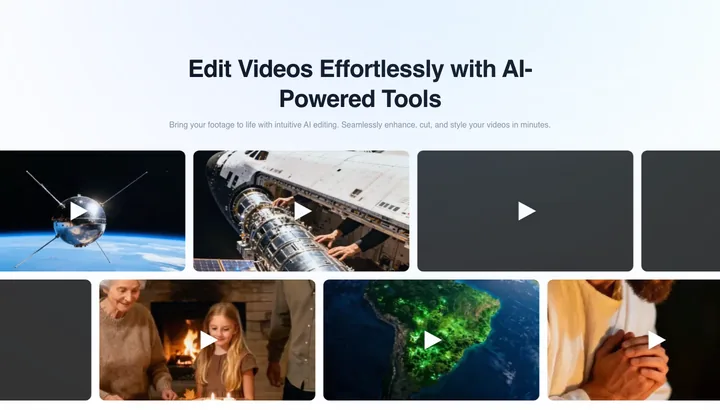
You get a timeline with your clips at the bottom and a preview window above, where you cut and add text.
Pros
- Automatic Danish subtitles save hours.
- The free version does more than most people will ever need.
- Built for vertical video from the start.
Cons
- Owned by ByteDance — think about which footage you upload.
- Prices and terms change more often than with the others.
- The template effects make your video look like everyone else's.
Meta Ad LibraryFree Seeing which ads your competitors are actually running right now.
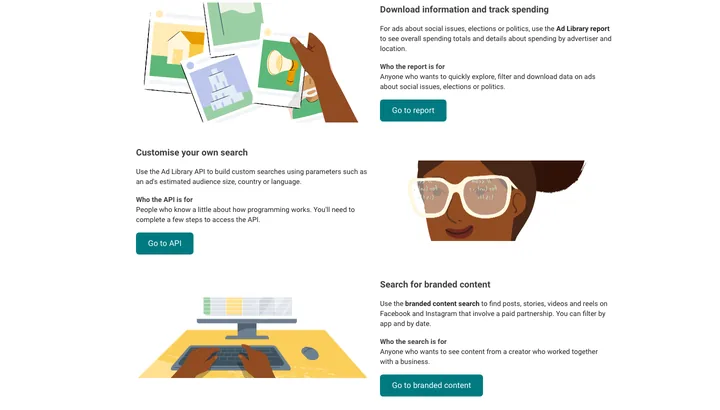
You search for a company name and get a list of the ads they're running, with image, copy and start date.
Pros
- Free insight into competitors' ads and copy.
- The start date reveals which ads have been running for a long time.
- A good source of angles and hooks before you write your own.
Cons
- Only shows ads running right now — stopped ads are gone.
- You see neither budget, results nor audience.
- Search is crude, and big brands drown in variants.
Claude / ChatGPT (AI assistants)Free First drafts of ad copy, emails and product descriptions that you then edit yourself.

You get an empty text box and a conversation that scrolls down, with your earlier threads in the side panel.
Pros
- From a blank page to a draft in a minute.
- Good at rewriting the same text in ten variants.
- The free plans are enough for everyday writing.
Cons
- Makes up facts — prices and claims must always be checked at the source.
- The text comes out smooth and generic if you use it raw.
- Never put in customer data without knowing where it ends up.
Shall we just set it up for you?
We pick the 4–5 tools your business actually needs, set them up and connect them — and deliver the whole thing ready to switch on.
See the packages →